
Close the lid.
Keep working.
Your MacBook stays awake on battery. No charger, no external display.
Free for 7 days, then $9.99 once.
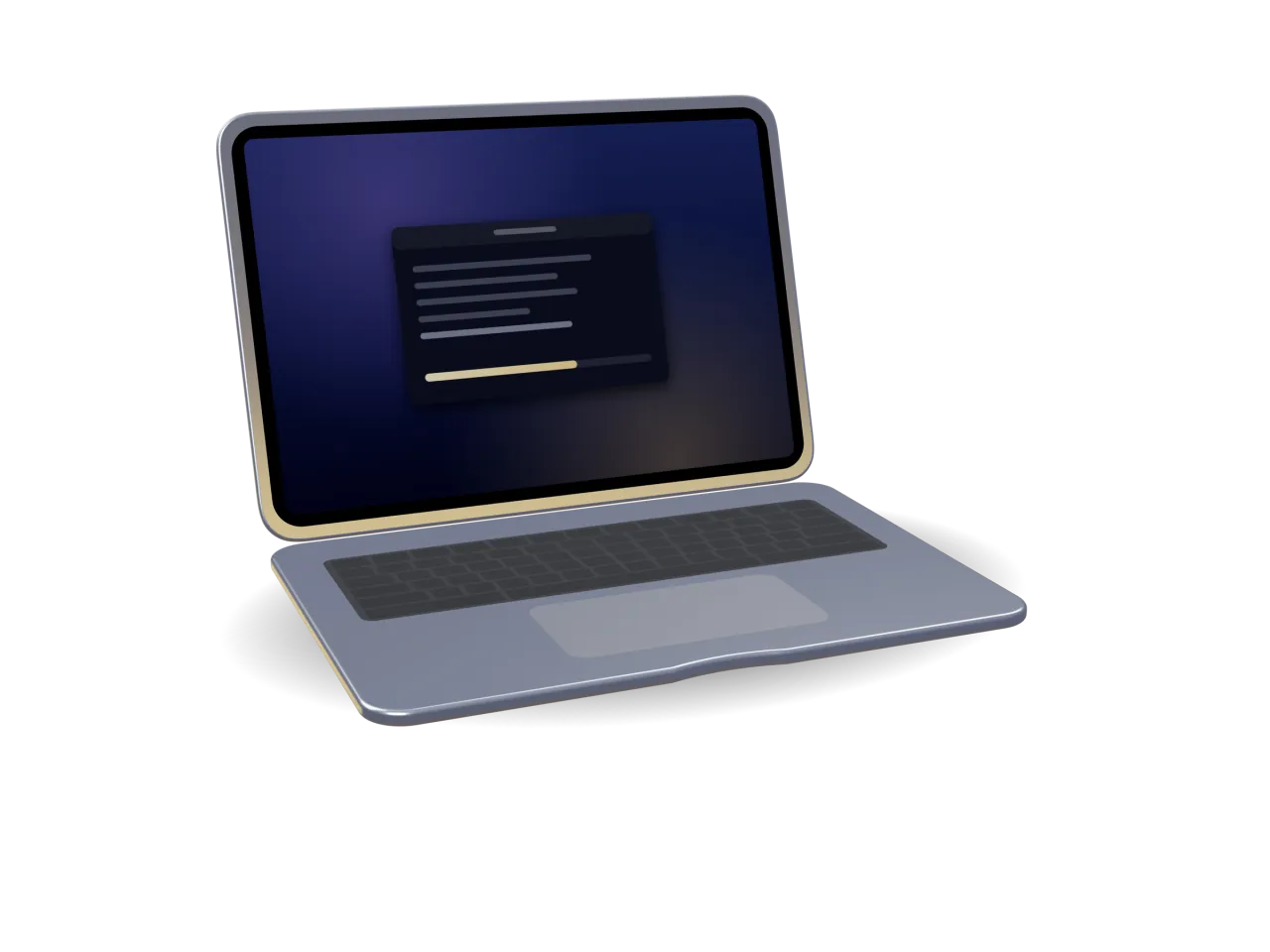
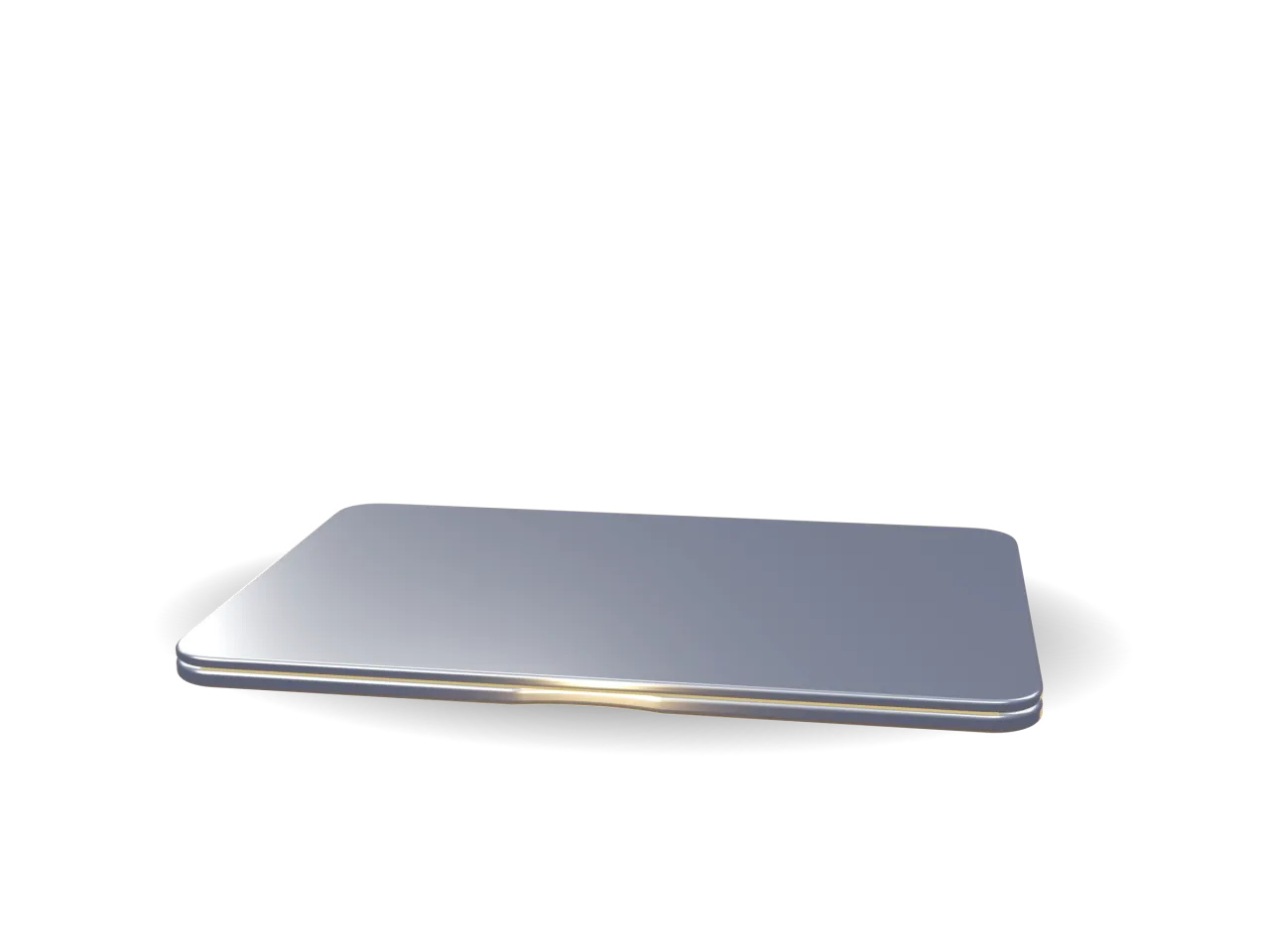
ON Awake with the lid closed
The job needs three hours. Your meeting starts now.
Close a MacBook on battery and it sleeps. Whatever was running stops with it.
Lid closed at 1:00 PM
4:12 PM
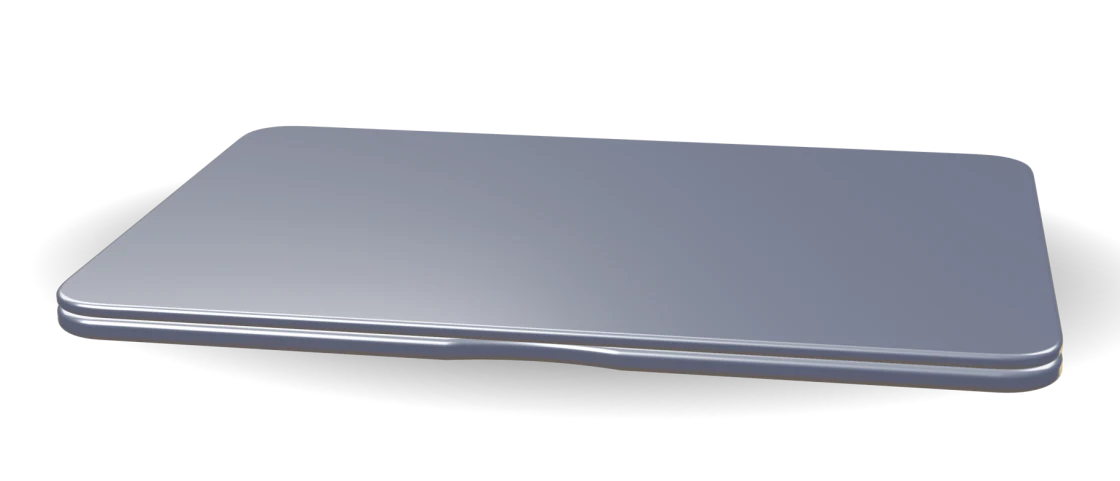
Asleep since 1:00. Nothing moved after the lid closed.
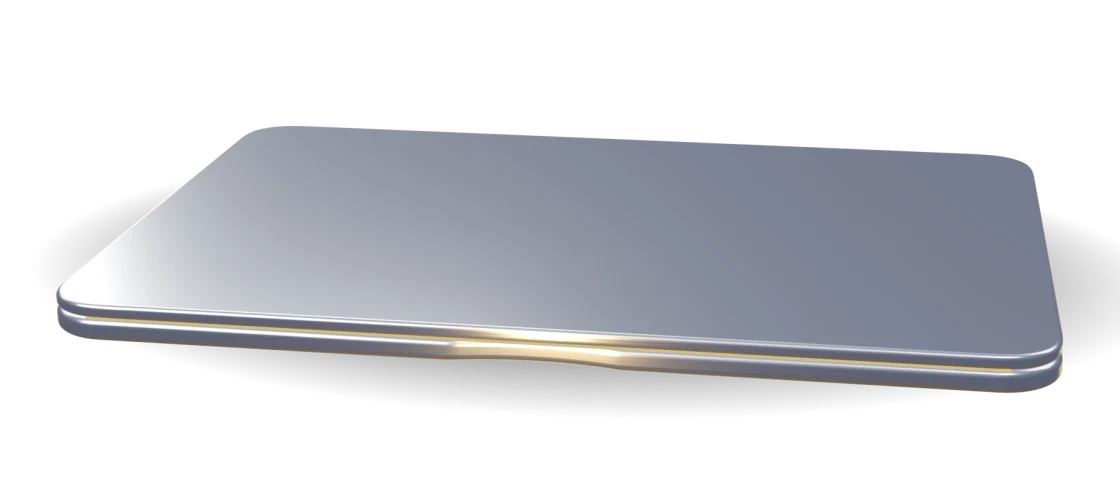
Awake the whole time. Finished while you were in the meeting.
A video export. An AI agent on a long task. A big download, a backup, a build.
When you open the lid, Clamly shows what the session cost:

Try it right here.
A working copy of Clamly’s menu-bar panel. Click anything: nothing here touches your Mac.
Click Keep Mac Awake.
It’s the gold button in the panel.
Turn it on, then try:

Or let your apps switch it on.
Choose any apps. Clamly turns on when one opens, and off when the last one quits.
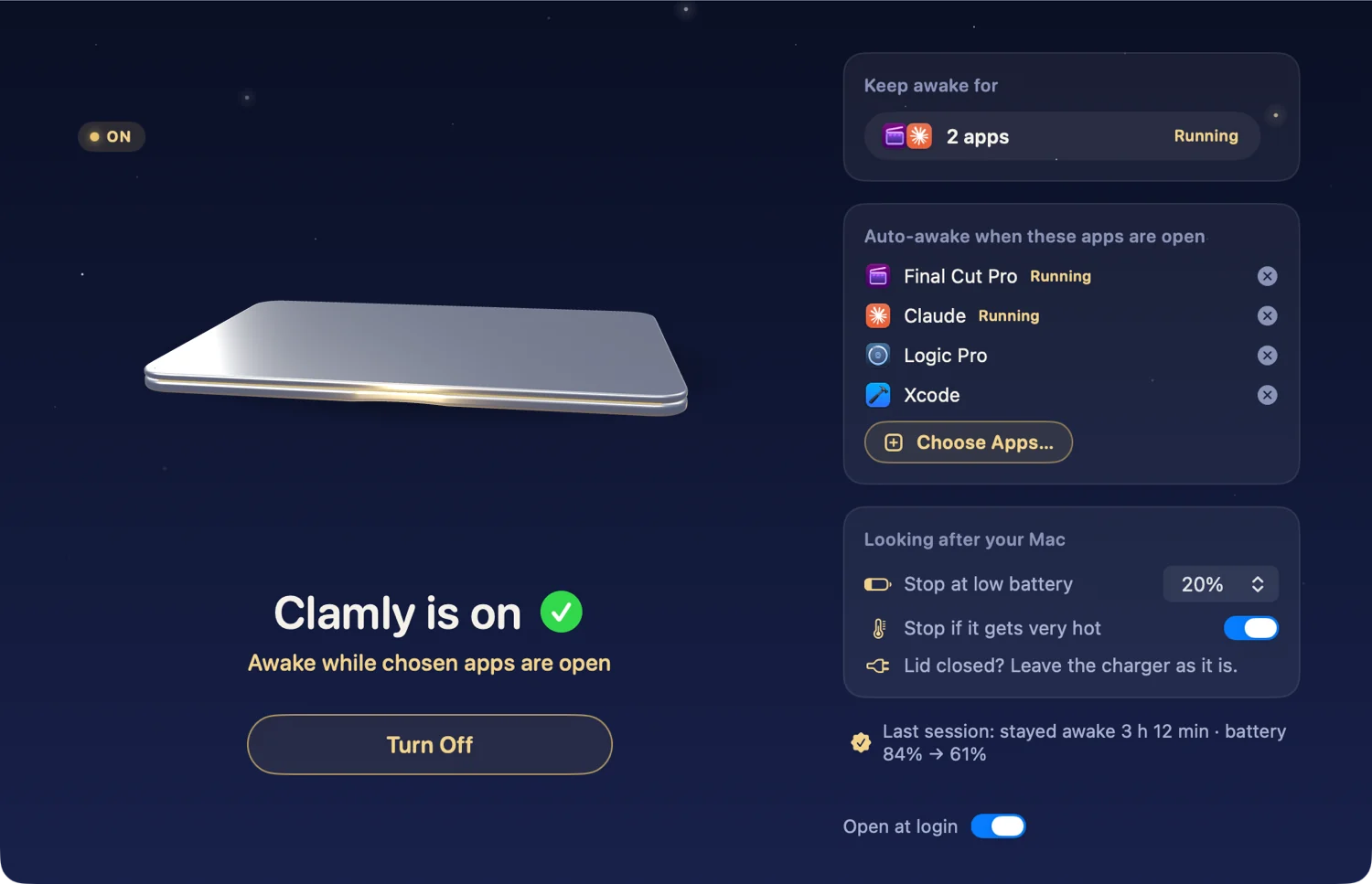
Any app you pick
Final Cut Pro, Claude, Logic Pro, Xcode, or anything else on your Mac.
Nothing to click
Open the app, close the lid. Quit the app and normal sleep is back.
Ready at login
Clamly can open when you log in, so it is there before you need it.
Your Mac always gets its sleep back.
However a session ends, normal sleep returns.
- You click Turn Off: Sleep is back
- The timer ends: Sleep is back
- The battery reaches the level you chose: Sleep is back
- You quit Clamly: Sleep is back
- You log out: Sleep is back
- Clamly quits unexpectedly: Sleep is back
Nothing to install
No admin password. Nothing added outside the app.
Nothing collected
No account, no internet use, no data. Privacy policy
Best on a desk
A closed MacBook needs air. Use Clamly on a desk or table, not in a bag.
One thing to know
Plugging in or unplugging the charger while the lid is closed lets your Mac sleep. That is how macOS works, and Clamly tells you when it happened.
Questions
What if I plug in or unplug the charger while the lid is closed?
Your Mac goes to sleep. That is how macOS works when the power source of a closed Mac changes, and no app can prevent it. Clamly notices and tells you, so you know the work stopped. Decide before you close the lid: charger in the whole time, or out the whole time.
Will it drain my battery?
Staying awake uses battery, so Clamly stops at the level you choose: 10, 20, 30 or 50 percent. It is set to 20 percent until you change it, and a notification tells you why it stopped.
Which apps can turn it on by themselves?
Any app on your Mac. Pick them once in the Clamly window. While one of them is open, your Mac stays awake; when the last one quits, Clamly turns off.
Does it work on a Mac mini, iMac or Mac Studio?
No. Clamly is made for MacBooks, which have a lid to close. On a Mac without one it shows “Made for MacBooks” and stays off.
Can I carry my MacBook in a bag while it is on?
Please don't. A closed MacBook in a bag can't cool down. Clamly is for a Mac resting on a desk or table. It can also stop if your Mac gets very hot, but don't rely on that in a bag.
What happens when the 7 days end?
Clamly stops keeping your Mac awake until you unlock it for $9.99, paid once. Nothing renews. The 7 days start when you click Start 7-Day Free Trial, not when you download the app.
Can my family use it?
Yes. The unlock supports Family Sharing, so people in your Family Sharing group can use Clamly without buying it again.
Free for 7 days.
Then $9.99, once.
No subscription. Nothing renews.
For 7 days
Everything works. The week starts when you click Start 7-Day Free Trial, not when you download.
After that
Unlock once for $9.99 and keep Clamly for good, with Family Sharing. If you don’t, Clamly simply stops keeping your Mac awake.
For MacBook · macOS 26 or later
Price in US dollars. The Mac App Store shows the price for your country.